Payment needs can vary from job to job, and no two businesses handle them exactly the same way. Autobooks payment tools are designed to be flexible — so you can use what makes sense for each situation, without changing how you already work.
Whether you need to send an estimate, an invoice, collect a deposit, or get paid once work is complete, Autobooks gives you all of the tools to accept payments in person, online, and over the phone — directly into your business checking account.
Create estimates and invoices from one place
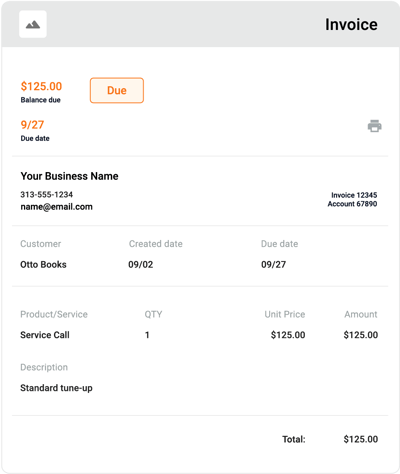
Autobooks makes it easy to create estimates and invoices directly inside online or mobile banking.
You can save commonly used products and services to simplify creation, apply service charges when needed, and reuse details without starting from scratch each time. If the scope of a job changes, estimates can be edited to reflect updates before being shared with a customer.
Once work is complete — or when payment is needed — you can convert an estimate into an invoice in just a few steps. Everything stays connected, so there’s no need to re-enter information or manage separate records.
Collect payments when you need to
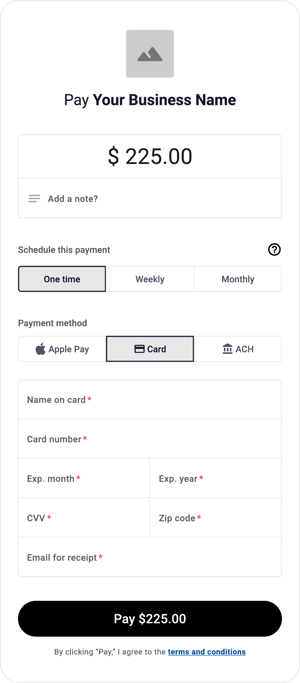
Whether you’re collecting a deposit, accepting payment for additional materials, or getting paid when work is done, Autobooks makes it easy to accept payments at the right moment — even when an invoice isn’t needed.
With Payment Link and Checkout Pages, you can share a secure link to accept payment before work begins, during a project, or once work is complete. This gives you the flexibility to get paid as jobs evolve, without adding friction to the process.
Accept payments from your mobile device or the office
Autobooks payment tools are available on your mobile device, making it easier to send invoices or accept payments wherever work takes you.
From the job site to the office, you can share payment links, send invoices, or accept payments without being tied to a desktop. This makes it easier to handle payments as work progresses — rather than waiting until the end of the day or week.
Payments land directly into your existing account
Payments are deposited directly into your existing bank account, typically in a couple business days, so you can forget about misplacing cash or checks collected at meetings or job sites.
Because everything happens through your financial institution, payments, invoices, and deposits stay connected — making it easier to see where your money is and when it arrives.
Make it easier for customers to pay — and manage your payments
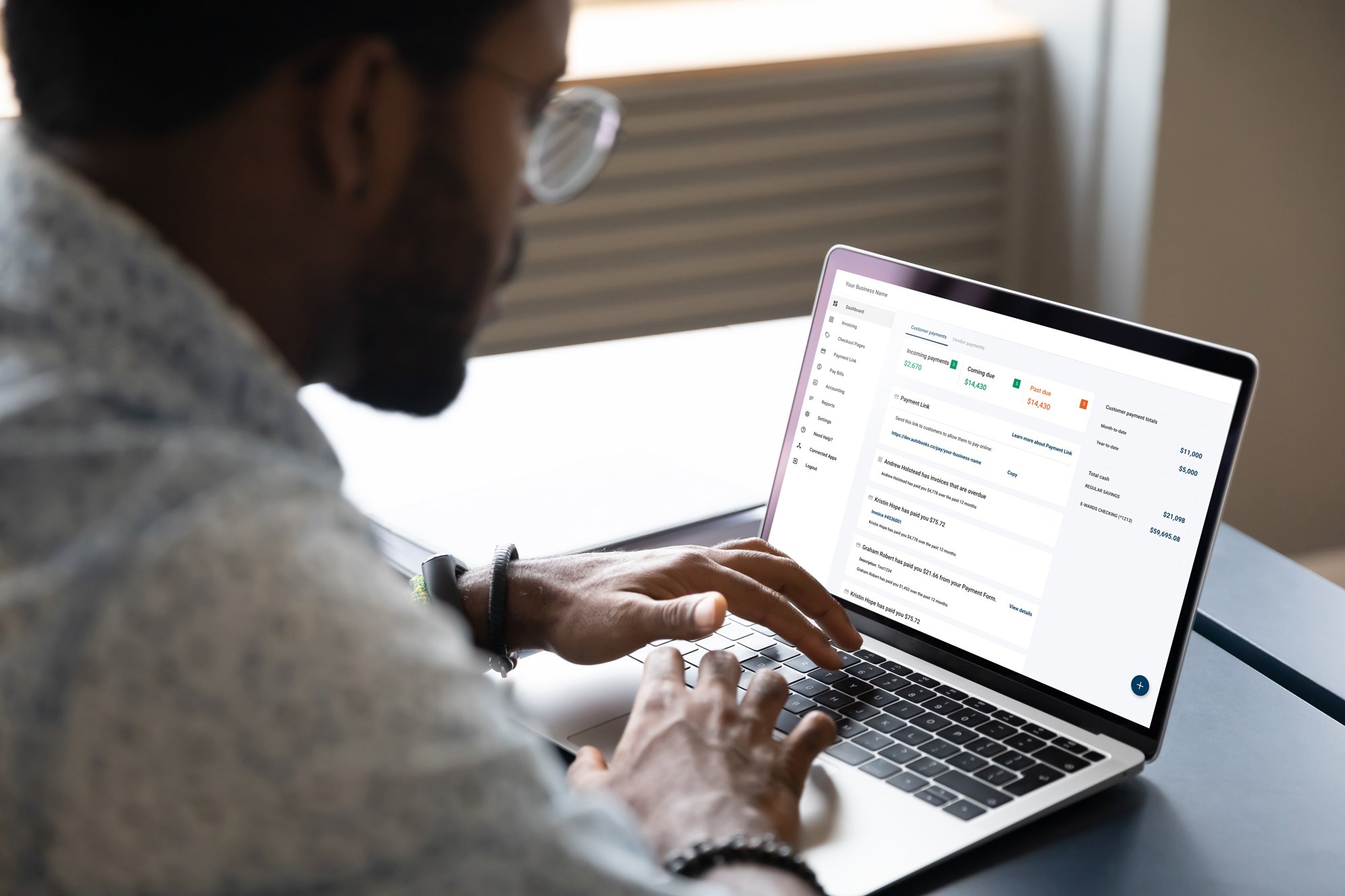
Customers pay faster when paying you is easy. Autobooks supports card and ACH payments, giving customers options that fit their preferences.
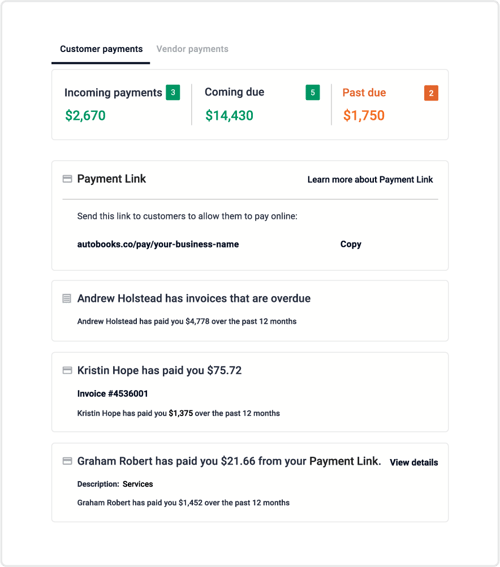
You can track payments directly in your business checking account and rely on email and push notifications to know when a payment was submitted — without needing to check multiple systems.
Built to support your payment process
Autobooks brings together invoicing and payment tools inside your financial institution — so you can accept payments in the ways that make sense for your business.
Whether you’re sending an invoice, sharing a payment link, or taking a payment on the spot, everything flows directly into your business checking account, helping you stay focused on the work while payments take care of themselves.
Have a question or need some help?
We're here for you. Check out our support center for detailed breakdowns of Autobooks features, or click here to submit a support ticket.